Have you ever tried using an AI image generator like Midjourney or DALL-E, only to get an image that looked absolutely nothing like what you pictured in your head? It can be super frustrating. You see all these gorgeous, hyper-realistic images online, but when you type in a prompt, it comes out looking like a messy cartoon.
Here’s the secret: you don't need a degree in computer science or programming to write great prompts. You just need to organize your thoughts. To help you get started, we’ve put together a simple, foolproof 3-step formula that will help you create beautiful, stunning images on your very first try.
The 3-Step Formula
Think of a prompt like a simple recipe. If you leave out the main ingredient or forget to describe how it should look, the result won’t turn out right. Whenever you want to generate a new image, write down these three elements in order:
Subject (Who or What) + Setting (Where or When) + Art Style (How it Looks)
Step 1: The Subject (Who or What?)
This is the main focus of your image. Be specific! Instead of typing "a dog," describe what kind of dog and what it is doing.
- Weak subject: "a cat"
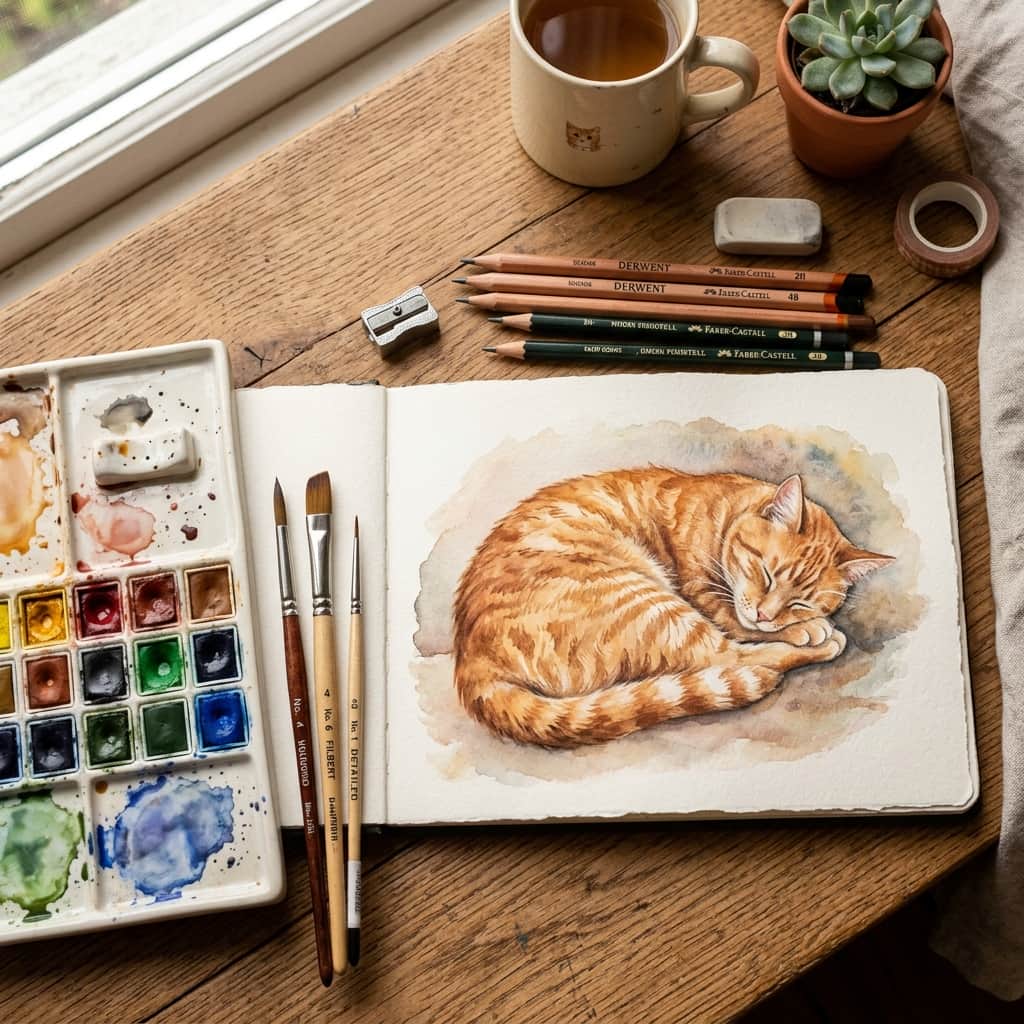
- Strong subject: "a fluffy orange tabby cat sleeping curled up"
Step 2: The Setting (Where or When?)
Where is your subject located? What is the atmosphere or lighting like? Adding a setting makes the image feel real and three-dimensional.
- Weak setting: "outside"
- Strong setting: "sitting on a rustic wooden park bench, soft morning sunlight filtering through autumn trees"
Step 3: The Art Style (How should it look?)
This is the magic step. If you don't define a style, the AI will guess, which usually leads to a generic, flat-looking image. Tell the AI exactly what style of artwork you want to create.
- For paintings: watercolor, oil painting, acrylic on canvas.
- For drawing styles: colored pencil sketch, charcoal drawing, black ink line art.
- For photos: close-up photography, cinematic lighting, national geographic style.
Let's Put it Together!
Now, let's connect our three parts together using commas. Look at how changing the style completely alters the final output:
Watercolor Vibe: "A fluffy orange tabby cat sleeping curled up, sitting on a rustic wooden park bench, soft morning sunlight, watercolor painting style with soft color washes."
Classic Oil Painting Vibe: "A fluffy orange tabby cat sleeping curled up, sitting on a rustic wooden park bench, soft morning sunlight, impasto oil painting with thick brush strokes."
A Few Simple Tips for Success
- Keep it simple: You don't need to write a whole page. Comma-separated details work best.
- Avoid "fluff" words: Words like "photorealistic", "ultra-high resolution", or "perfect" don't actually tell the AI what the image contains. Describe details instead (like "highly detailed wood texture" or "cinematic lighting").
- Play and iterate: Don't be afraid to change a single word (like changing "watercolor" to "colored pencil") and run it again. Experimenting is half the fun!
Now that you know the formula, you're ready to create! Head over to your favorite generator and start experimenting. Happy creating!