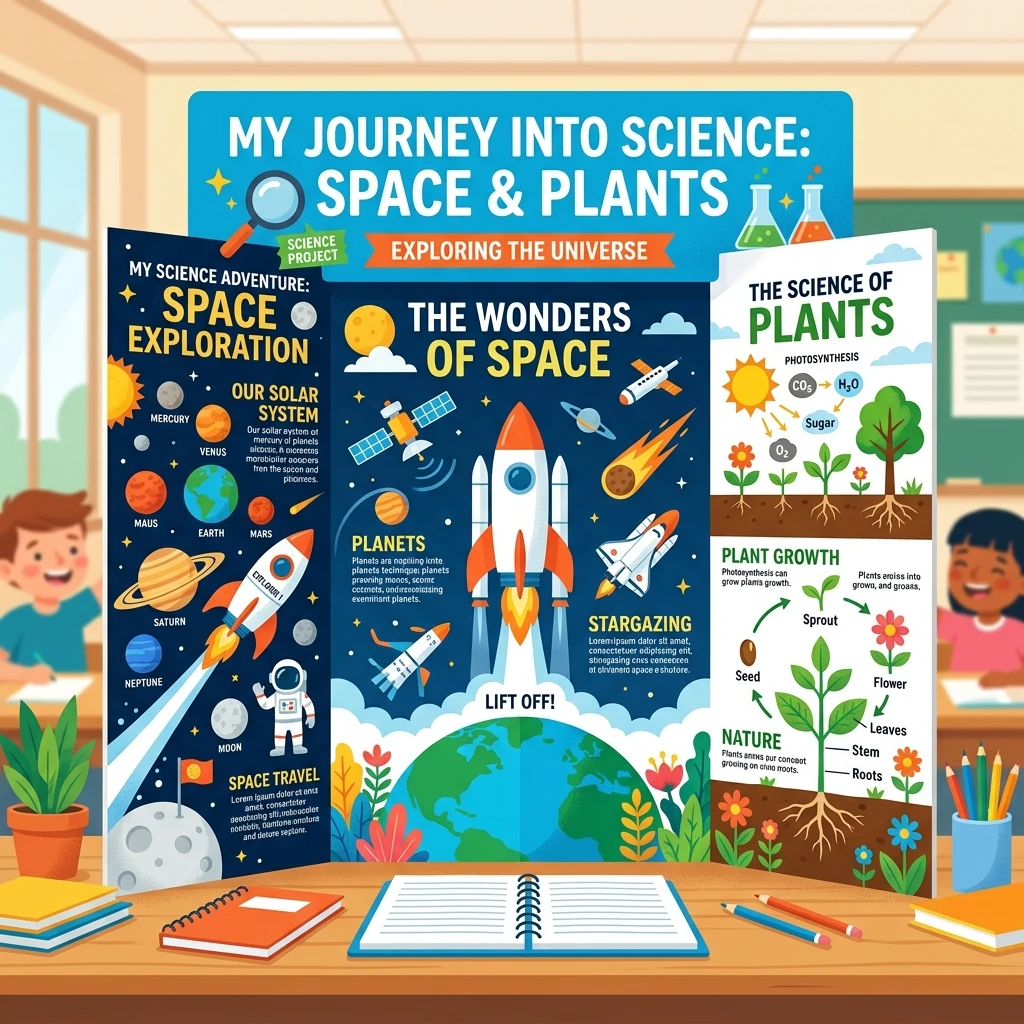
Remember when making a school poster board meant buying giant cardboard sheets, printing pixelated photos from Google search, and getting glue all over your fingers? Or staying up late trying to find the "perfect" picture for a presentation slides deck?
Well, technology has changed the game! Today, parents and kids can use AI image generators (like Midjourney, Bing Image Creator, or Canva's AI tool) to make gorgeous, custom drawings and diagrams for school projects in minutes. Here's a simple guide on how to design beautiful pictures for science fairs, history slides, and school reports without needing any drawing skills!
1. Pick a Style That Matches Your Project
The secret to a great poster is consistency. If your first picture is a realistic photo, the second is a cartoon, and the third is a hand-drawing, your project will look a bit messy. Instead, pick one style and stick with it!
Here are three kid-friendly styles you can request from an AI generator:
- "Vector illustration": Clean, flat, modern, and very colorful (like a cartoon book page).
- "Watercolor drawing": Soft, organic, artistic, and looks like it was painted by hand.
- "Realistic photograph": Sharp details that look like real-life science photos.
2. Ready-to-Use Science Prompts
Science projects love visual layouts. Whether you're presenting on volcanoes, solar systems, or how plants grow, these copy-paste prompt templates will give you gorgeous results:
A colorful vector illustration of a volcano erupting with orange lava, showing cross-section layers of magma, clean white background, educational style, simple for kids report --ar 4:3
A flat design graphic of the solar system showing the Sun, Earth, Mars, and Saturn with Orbit lines, soft pastel colors, simple illustration style for kids classroom poster --ar 16:9
3. Ready-to-Use History Prompts
History reports can come to life with retro illustrations. Try these simple prompts to illustrate historical events:
A cozy watercolor painting of the Pyramids of Giza under a warm golden sun, historical textbook illustration style, simple and clean drawing for child's history project --ar 16:9
A friendly cartoon illustration of a Tyrannosaurus Rex walking in a prehistoric green jungle with tall fern trees, cute vector style, bright colors, white background --ar 4:3
4. Quick Tips for Parents to Keep It Fun
Using AI together is a fantastic family activity. Here are a few simple tips to keep in mind:
| What to Do | Why It Matters |
|---|---|
| Add "white background" to prompts | This makes it super easy to cut out the picture and paste it onto slides or cardboard without annoying borders. |
| Use ratio commands like "--ar 16:9" | "--ar 16:9" is perfect for widescreen slides (like PowerPoint or Google Slides), while "--ar 4:3" is great for printouts. |
| Credit the tool in your report | Teach kids to add a little note at the bottom: "Image generated using AI helper." Teachers love transparency! |
Conclusion
AI tools aren't just for coding or work—they are a creative sandbox for kids! By working together, parents and children can brainstorm prompts, generate gorgeous educational pictures, and create school projects that truly stand out in the classroom. Have fun creating!