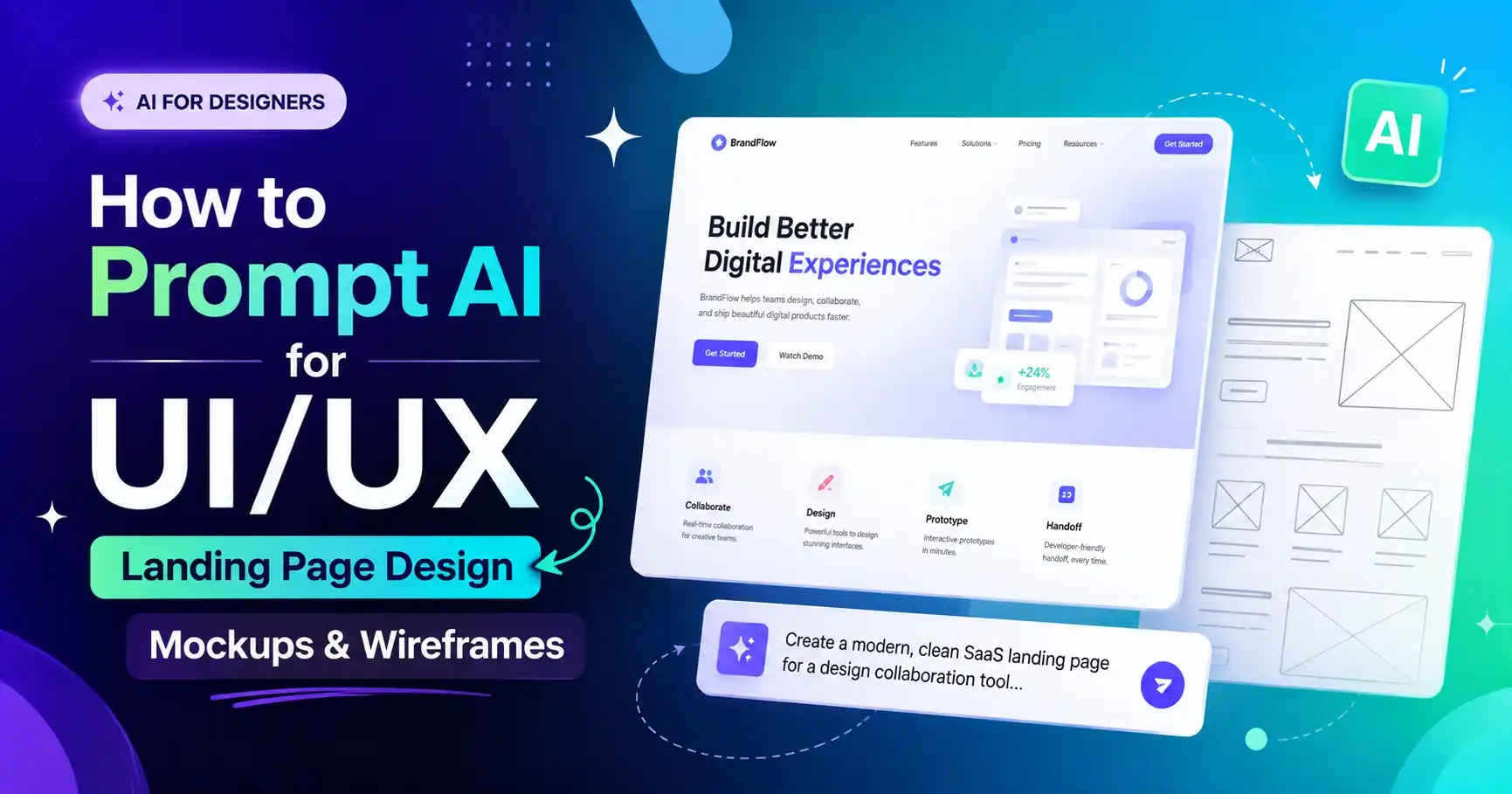
Generating UI/UX design mockups with AI can compress client discovery and layout brainstorming from days to minutes. Tools like Midjourney v6, DALL-E 3, and Flux are capable of rendering clean modern SaaS landing pages, mobile app interfaces, glassmorphic analytics dashboards, and low-fidelity wireframes.
However, AI models often default to rendering angled isometric 3D laptop frames, floating shadows, or distorted text blocks if your prompt structure lacks layout control keywords.
In this guide, you will master the exact prompt structure to generate flat 2D web mockups, clean mobile UIs, dark mode dashboards, and low-fidelity wireframes ready for Figma translation.
1. Anatomy of a High-Fidelity UI Prompt
[View Angle] of a [UI Component Type] for a [Industry/App Theme], featuring [Hero Section & Layout Details], [Color Palette & Tokens], flat 2D UI mockup, Dribbble trending design, Figma UI component, zero perspective tilt --ar 16:9
Key UI prompting rules:
Flat 2D UI mockup, direct front-facing website screenshot– Eliminates angled laptop tilt and device frames.Hero section layout, navigation bar, CTA button, card grid– Specifies explicit UI components.Dribbble, Behance, Figma UI kit– Steers the aesthetic toward modern clean web design standards.--ar 16:9for desktop screens;--ar 9:16for mobile screens.
2. Eight Copy-Paste UI/UX Prompts
A. Modern SaaS AI Platform Landing Page
Flat 2D website screenshot of a modern SaaS AI platform landing page. Hero section with bold title typography, high-contrast primary CTA button, floating glassmorphic 3D icons, clean navigation header bar, and feature grid below. Dark mode dark navy background with electric purple and lime green accents. Figma design system layout, Behance trending UI, zero perspective angle --ar 16:9
B. Glassmorphic Dark-Mode Analytics Dashboard
Direct front-facing UI mockup of an executive dark-mode analytics dashboard interface. Sidebar menu on left, top search bar, central area showing line charts, donut metric cards, and recent transactions table. Frosted glass glassmorphic UI cards, neon cyan line charts, dark slate background, clean UI layout --ar 16:9
C. Mobile Crypto & Finance Wallet App
Flat 2D mobile UI design screenshot of a clean crypto wallet iOS app. Top account balance card with gradient background, action buttons 'Send, Receive, Trade', recent asset list with currency icons, bottom navigation bar. Modern clean aesthetic, rounded corners, light mode clean white background --ar 9:16
D. E-Commerce Sneaker Store Landing Page
Flat 2D UI mockup of a luxury streetwear e-commerce landing page. Large high-impact hero image of a floating 3D sneaker, bold typography title, price tag, size selector buttons, and 'Add to Bag' CTA. Minimalist monochrome black and white theme, bold Swiss design grid --ar 16:9
E. Low-Fidelity B&W Wireframe Layout
Ideal for rapid UX structural planning before visual styling:
Low-fidelity UX wireframe layout of a mobile food delivery app screen. Black and white line drawing aesthetic, placeholder box skeletons with cross hatches, simple text labels, wireframe UI kit style, clean grid alignment, white background --ar 9:16
F. Eco-Friendly Sustainable Brand Storefront
Front-facing website UI design for an organic skincare brand. Soft beige and sage green color scheme, hero section with botanical photography background, elegant serif fonts, circular product cards, and newsletter signup box. Clean organic aesthetic, Dribbble showcase --ar 16:9
G. Modern Fitness Tracker Mobile App
Clean iOS mobile UI mockup for a daily fitness tracker app. Circular calorie progress ring widget, step counter graph card, heart rate monitor widget, dark mode theme with vibrant neon orange and yellow metric accents. Minimalist UI layout --ar 9:16
H. Real Estate Property Search Landing Page
Flat 2D UI mockup of a modern real estate booking website. Prominent hero search bar widget with location dropdowns, price range slider, and search button. Grid of luxury villa property cards below with rating badges. Clean warm aesthetic, professional corporate UI --ar 16:9
3. How to Convert AI Web Mockups into Figma Designs
- Import to Canvas: Drop the generated 16:9 image onto your Figma canvas and scale it to 1440px width.
- Set Up Auto Layout Grid: Overlay a 12-column grid container (80px margin, 24px gutter) to align structural boxes.
- Sample Color Tokens: Use Figma's eyedropper tool to create local color styles for primary, secondary, surface, and text colors.
- Replace AI Text with Native Web Fonts: Identify font styles (e.g. Inter, Plus Jakarta Sans, Outfit, SF Pro) and rebuild headings with editable text layers.
Summary
Using prompt constraints like flat 2D UI mockup and explicit component descriptions allows you to generate inspiring, production-ready web and mobile layouts in seconds.