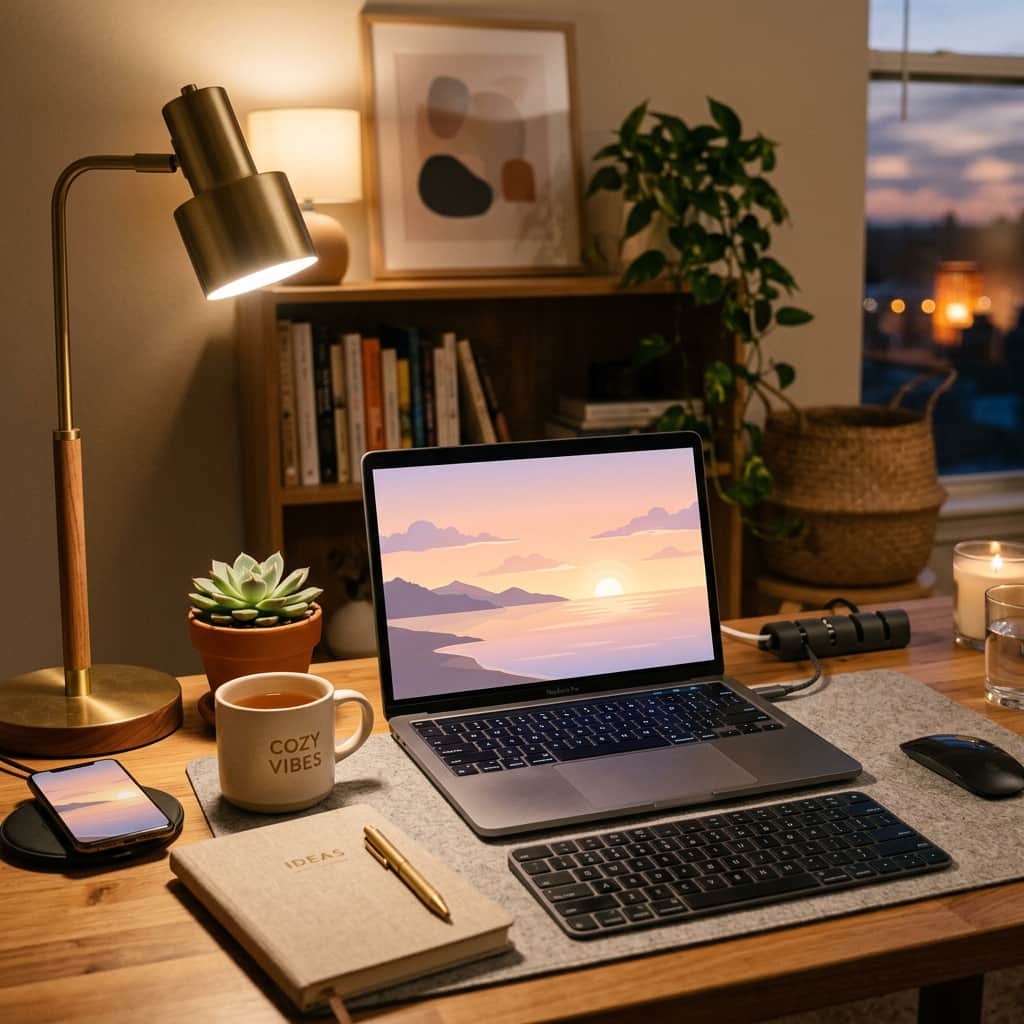
Think about how many times a day you look at your phone or open your laptop. For most of us, it’s dozens of times. Yet, many people stick with the default blue background that came with their device, or a cluttered, distracting photograph that makes it hard to see their icons.
Your screens are virtual extensions of your room. Keeping them organized, clean, and decorated with a calming, aesthetic wallpaper can give you a tiny burst of joy every time you log in. The best part? You don't have to search Pinterest for hours to find a background that fits. You can design the exact landscape, pattern, or color palette you want using simple AI prompts. Let’s explore how!
Step 1: Focus on Calmness and Simplicity
A good wallpaper shouldn't be too busy. If there are too many objects or contrasting colors, it will clash with your app icons and text, making your screen feel chaotic. When writing prompts, use words that imply simplicity and soft colors:
- "Minimalist": Focuses on clean space and simple subjects.
- "Pastel color palette": Ensures colors are soft and gentle on the eyes.
- "Out of focus background" (or **bokeh**): Blurs the background so your app icons pop.
Step 2: Tell the AI the Shape of Your Screen (Aspect Ratio)
To prevent your wallpaper from stretching or cutting off, tell the AI if you are making a wide landscape for your computer or a tall portrait for your phone. You can do this by using aspect ratios:
- For Desktop Wallpapers: Add `--ar 16:9` (or specify "wide landscape orientation").
- For Phone Wallpapers: Add `--ar 9:16` (or specify "tall vertical phone background").
Fun Prompt Styles to Customize
Here are three highly visual wallpaper styles you can copy and customize:
💻 Cozy Lofi Desktop (Wide):
"A cozy room window with rain droplets on the glass, looking out over a soft pastel city sunset, warm bedroom lighting inside, lofi aesthetic, minimalist, clean details --ar 16:9"

📱 Pastel Mountain Phone (Tall):
"Minimalist abstract landscape of soft rolling hills and a sun, pastel pink, lavender, and warm beige colors, clean lines, smartphone background --ar 9:16"

💻 Modern Studio Desk (Wide):
"A minimalist tabletop with a warm mug of tea and a small green plant, warm aesthetic, clean composition, blurred background, flat-lay view --ar 16:9"
Step 3: Save and Set
Once you’ve generated a design you love, save it in the highest resolution available. Download the file, send it to your device, and go to your settings to apply it. If your phone or desktop looks a bit crowded, try hiding unused shortcuts or organizing apps into folders—pairing a clean desktop with a beautiful, custom AI background feels like giving your digital space a fresh coat of paint!