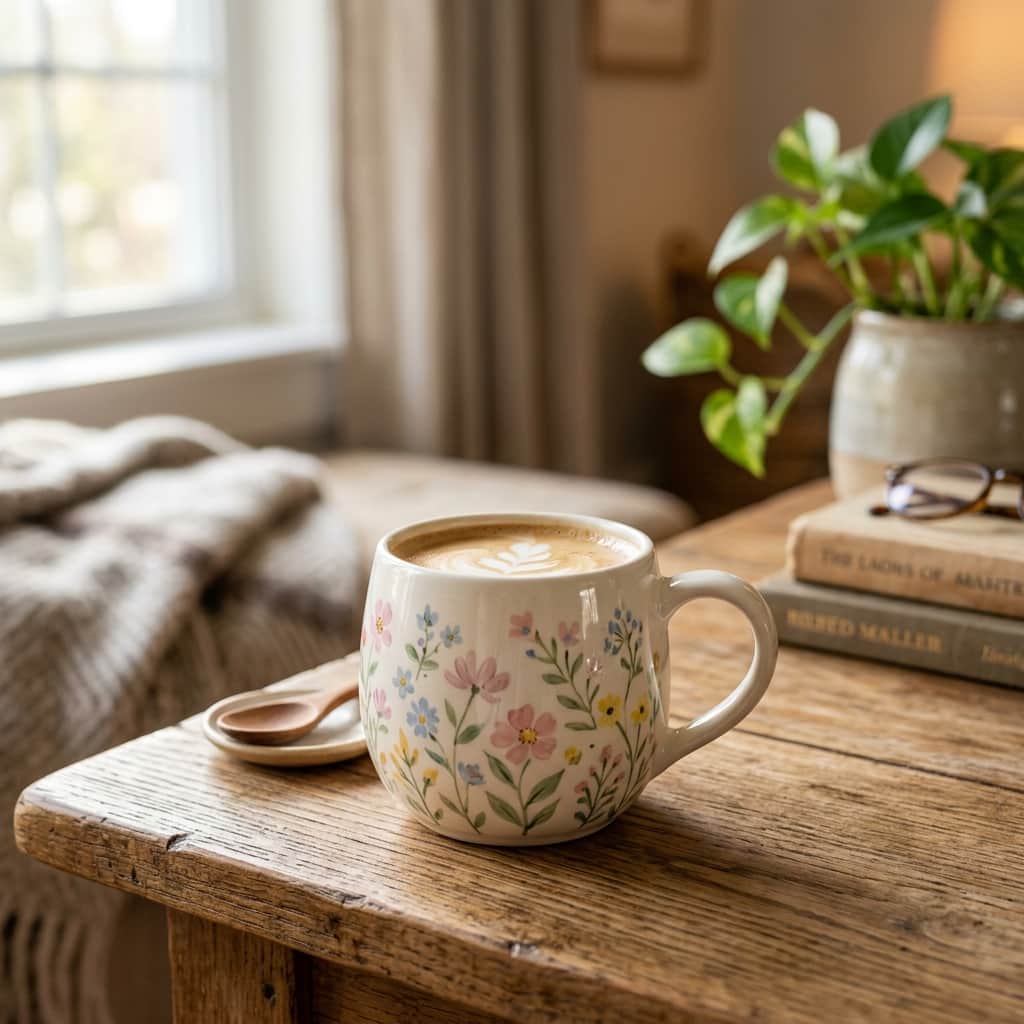
Creating your own custom coffee mugs is one of the most satisfying beginner-friendly crafts you can do with AI image generators. Whether you want to make a cute mug for your morning tea, a funny gift for a coworker, or start a small side business, tools like Midjourney or DALL-E make the graphic design part incredibly simple.
In this quick guide, we’ll show you how to structure your prompts so the images are print-ready, clean, and perfectly isolated.
The Secret to Print-Ready Graphics
When designing for printing, you generally want your artwork on a solid, clean background (usually pure white) so it’s easy to isolate and wrap around the mug. If you prompt a background with a desk or steam, you'll spend hours editing. Use terms like **"isolated on a white background"** or **"vector design"** to get perfect results.
3 Simple Prompts to Try Right Now
A cute watercolor illustration of a sleepy baby panda hugging a coffee cup, soft pastel colors, isolated on a solid white background, minimalist style, 2d vector look
Seamless retro 70s floral pattern, warm orange, teal, and cream colors, flat design, clean vector lines, high resolution pattern template --tile
A minimalist cute line art illustration of a smiling cloud with little rain droplets, pastel colors, clean white background, high resolution clip-art style
How to Print Your Designs
Once you generate an image you love, print-readying it takes just two simple steps:
- Upscale the Image: Use a free online tool like Upscale.media or Bigjpg to increase the resolution so the print doesn't look blurry.
- Upload to a Print-on-Demand Service: Websites like Printify, Zazzle, or CustomInk let you upload your graphic, drag-and-drop it onto a virtual 3D mug, and order it directly to your door!
Give it a try today, and enjoy drinking coffee from a mug designed entirely by your imagination!