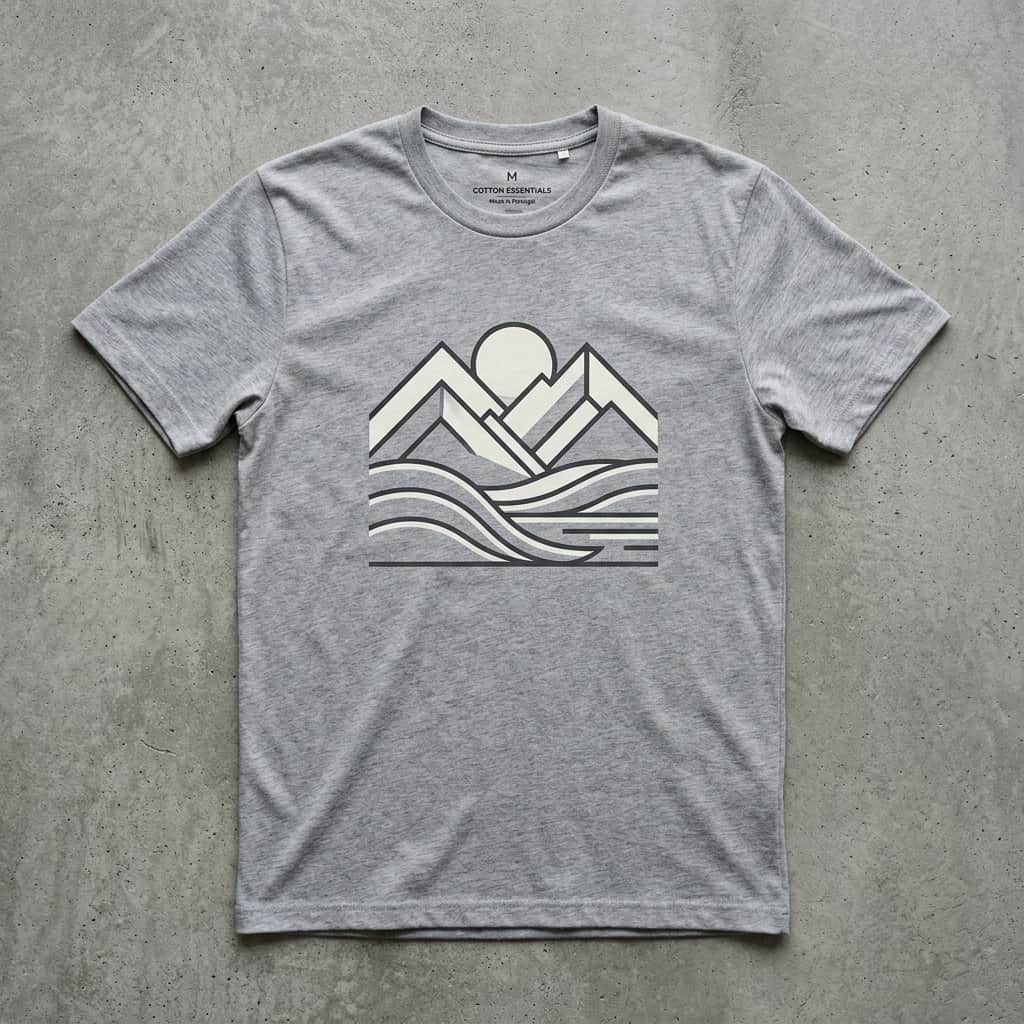
Printing your own custom graphic tees has never been easier. In the past, you needed to master vector software like Adobe Illustrator or pay a professional designer. Today, you can write simple English sentences, and AI will spit out gorgeously clean shirt templates. Here is a simple, foolproof 3-step formula to create beautiful t-shirt designs.
The 3-Step Prompt Formula
To get a vector-style design that prints beautifully on a shirt without looking like a messy photograph, structure your prompt with these three ingredients:
"Vector design", "Flat illustration", "Vintage screen-print style", "Minimalist line art"
"A howling wolf surrounded by pine trees under a crescent moon", "A retro 80s arcade machine"
"pure black background", "isolated on solid black background", "t-shirt graphic vector design, high resolution"
Example Formula Output
When you combine these three parts, you get a clean, high-contrast prompt like this:
Vintage screen-print vector style design of a cozy mountain cabin under a starry night, warm orange and cream colors, flat illustration, isolated on a solid black background, t-shirt design graphic
Why Black Backgrounds are Best for T-Shirts
If you're printing on black or dark t-shirts, generating your design on a **solid black background** is a lifesaver. Most print shops use software that automatically ignores black pixels, leaving only the artwork on the shirt! This saves you the trouble of making transparent backgrounds manually.
How to Print Your Tee
Save your generated image, scale it up using a free upscaler, and upload it to a print-on-demand site like Teespring, Printful, or Redbubble. You can place your design on hoodies, tees, or tank tops, order a sample, and wear your custom creation in days!