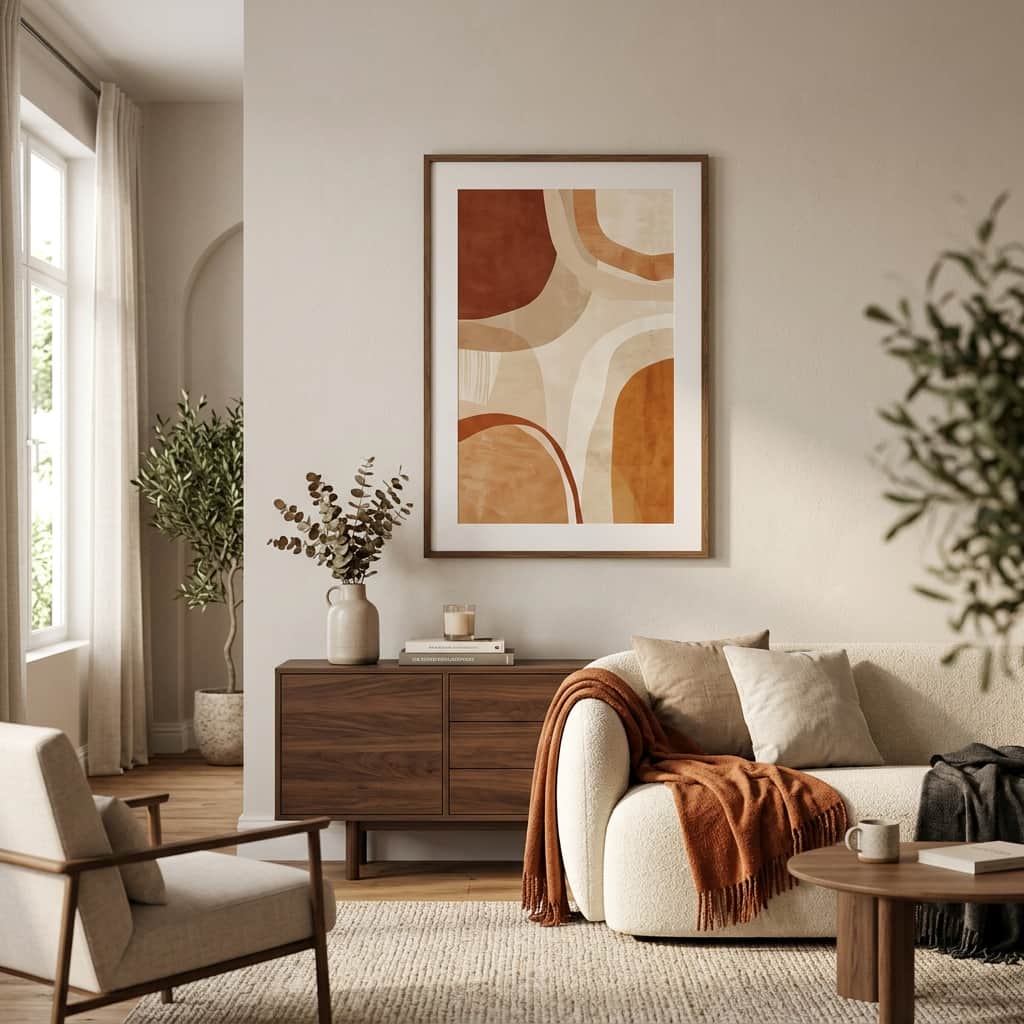
Have you ever stared at a blank wall in your living room or bedroom, wishing you could hang the perfect piece of art, only to find that store-bought prints are either too generic or way too expensive? You are not alone. Finding artwork that truly speaks to your personality, fits your color scheme, and matches your budget can feel like an endless search.
But what if you could create your own custom, gallery-quality art in just a few minutes? Thanks to AI tools like Midjourney, DALL-E, and Stable Diffusion, you can. You don't need to know how to draw, paint, or write computer code. All you need is a spark of imagination, a simple prompt, and this guide to help you bring those digital pixels to life on your walls.
Step 1: Choose Your Aesthetic (Get Inspired!)
Before you start typing, think about the vibe you want to create in your room. What style of art makes you feel at home? Here are a few popular ideas to choose from:
- Minimalist & Warm: Think beige and terracotta abstract shapes, simple lines, and soft lighting. Great for calm bedrooms.
- Vibrant Watercolor: Soft, bleeding colors depicting forests, oceans, or flowers. Perfect for bright dining spaces.
- Classic Oil Painting: Dramatic, moody landscapes with visible brush strokes that look like they belong in a historic museum.
- Vintage Botanical: Old-school sketches of leaves, wild mushrooms, or flowers on textured paper.
Step 2: Write a Simple Prompt (No Tech Jargon Required!)
You don't need complex code to get beautiful results. Just describe what you want as if you're talking to a creative friend. To make it super easy, you can copy, paste, and customize these simple prompt formulas:
💡 Cozy Bedroom Abstract:
"A simple minimalist abstract painting, warm beige and soft terracotta colors, textured canvas look, modern Scandinavian art style."

💡 Vintage Botanical Sketch (Living Room / Hallway):
"A vintage botanical drawing of wild eucalyptus leaves, detailed sketch lines, aged yellowed paper texture, antique scientific illustration style."

💡 Moody Mountain Landscape (Study / Office):
"A classic oil painting of foggy mountains at sunrise, thick visible paint brush strokes, deep green and gold colors, cozy forest vibe."
Step 3: Make it Large Enough to Print (Upscaling)
When you generate an image on your screen, it looks crisp and beautiful because screen pixels are small. However, if you try to blow up that small image onto a large canvas or poster print, it can end up looking blurry or pixelated. To prevent this, we need to **upscale** the image.
Most AI platforms have a built-in "Upscale" button (often labeled **U1, U2, U3, U4** or **Upscale 2x/4x**). Click this button to make your image larger. If you want to print very large posters (like 24x36 inches), you can use free online AI upscalers like *Upscale.media* or *Bigjpg.com* to double or quadruple the image size without losing any detail.
Step 4: Bring Your Pixels to Print!
Once you have saved your high-quality, upscaled image to your phone or computer, it's time to print it. You have two fantastic ways to do this:
Option A: Online Printing & Framing Services
If you want the easiest path, upload your image to websites like **Shutterfly, CanvasPop, or Gelato**. They will print your image directly onto high-quality canvas, metal, or premium matte paper, frame it for you, and mail it right to your front door.
Option B: The Budget-Friendly Local Route
If you want to save some cash, buy a stylish frame from Ikea, Target, or a local hobby shop first. Note the frame's size (for example, 12x18 inches). Then, send your AI image file to a local print shop (like Walgreens, FedEx Office, or a local camera store) and ask them to print it on "matte poster paper" in that exact size. Slip it into your frame, and you're ready to hang it!
Start Creating Today!
There's nothing quite like the feeling of walking into a room and seeing a stunning piece of art on the wall, knowing that *you* designed it. AI is a wonderful tool that lets anyone become an artist. Find a blank wall, open up your favorite prompt tool, and start creating your own custom gallery today!