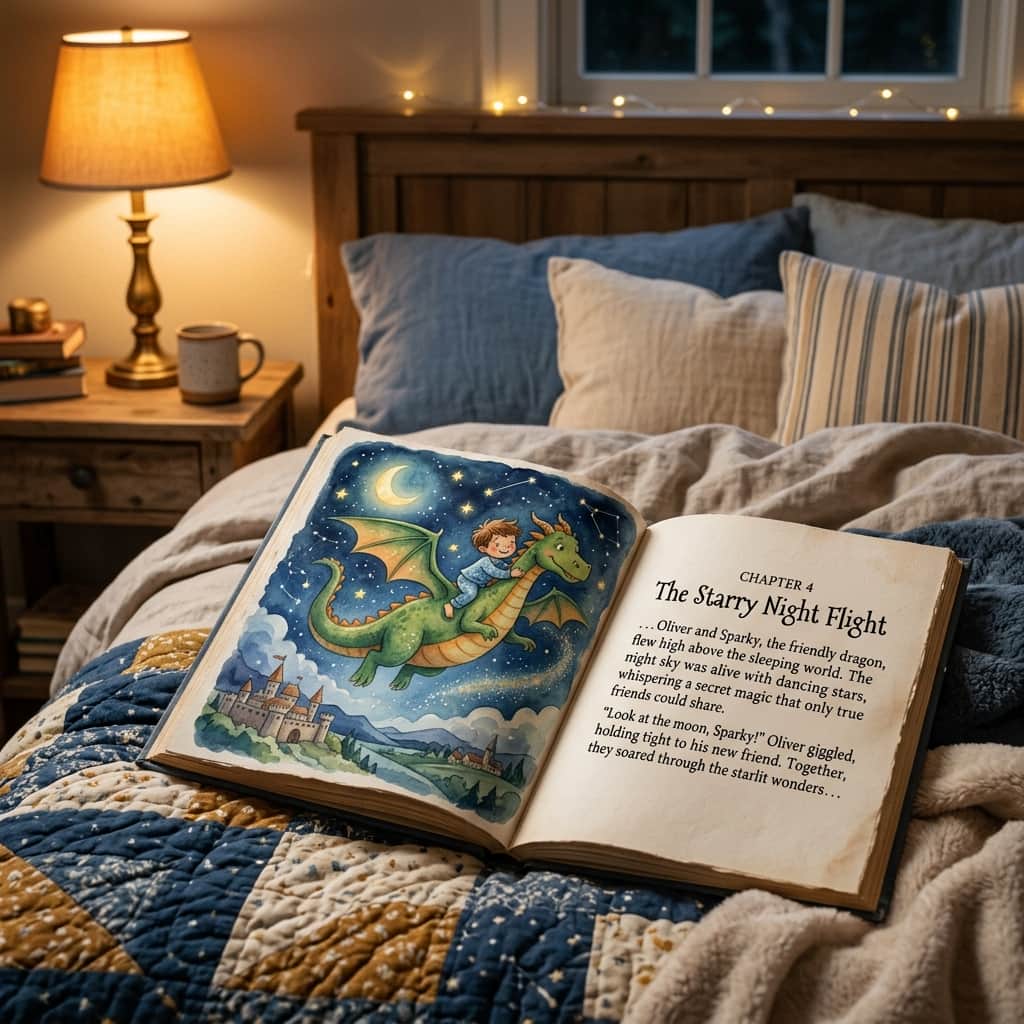
Remember the magic of listening to stories as a child? Hearing tales of faraway kingdoms, friendly woodland animals, and brave adventurers, letting your imagination fill in the rest. Bedtime stories are a precious tradition, but what if you could make them even more special by adding illustrations featuring your child, grandchild, or favorite pets?
Creating custom illustrations for your storybooks used to require expensive graphic designers or weeks of sketching. Now, you can become the illustrator yourself. With AI, you can generate beautiful, cozy children's book-style illustrations that match your words perfectly. Here’s a simple, beginner guide on how to get started.
Step 1: Choose Your Storybook Art Style
Children's books have very distinct, soft, and magical visual styles. To make your illustrations look like they belong on a library shelf, use one of these simple style phrases at the end of your prompts:
- "Children's book illustration style": The classic, colorful, and friendly baseline style.
- "Soft watercolor and pencil sketch": Gives images a gentle, handmade texture with warm, bleeding colors.
- "Folk art style": Uses simple shapes, rich colors, and decorative patterns for a timeless feel.
- "Papercraft cutout style": Recreates the look of layered, dimensional colored paper shapes.
Step 2: Keep the Prompt Cozy and Whimsical
Children's stories thrive on simple subjects and magical environments. Try copying and adjusting these cozy prompts to match your story ideas:
📖 Magical Dragon Ride:
"A friendly, gentle green dragon flying through a starry night sky, a small brave boy with messy brown hair sitting on its back, soft watercolor illustration style, cozy children's book art."

📖 The Whispering Forest:
"A tiny wise owl wearing reading glasses sitting on a mossy tree branch inside a glowing autumn forest, talking to a little girl wearing a red coat, whimsical folk art style."

📖 Undersea Adventure:
"A cute happy baby sea turtle swimming with colorful jellyfish under deep blue ocean water, layered papercraft cutout style, clean shapes."
Step 3: Keep Your Characters Consistent
If you're writing a story with multiple pages, you'll want the characters to look the same on every page. For beginners, the easiest way to do this without getting into complex settings is by using highly specific details for your character.
Instead of just prompting "a boy," use a very specific description like **"a small boy wearing a yellow raincoat and red rubber boots"**. Because that outfit is so unique, the AI will generate a very similar-looking character across different settings (like walking in the rain, playing in the mud, or sitting on a porch), keeping your book visually consistent!
Creating the Book
Once you've written your story and generated the accompanying pictures, print them out on matte paper, write the words at the bottom of the pages, and bind them with a colorful ribbon. Reading a book where *they* are the hero of the story is an experience your children will remember forever!