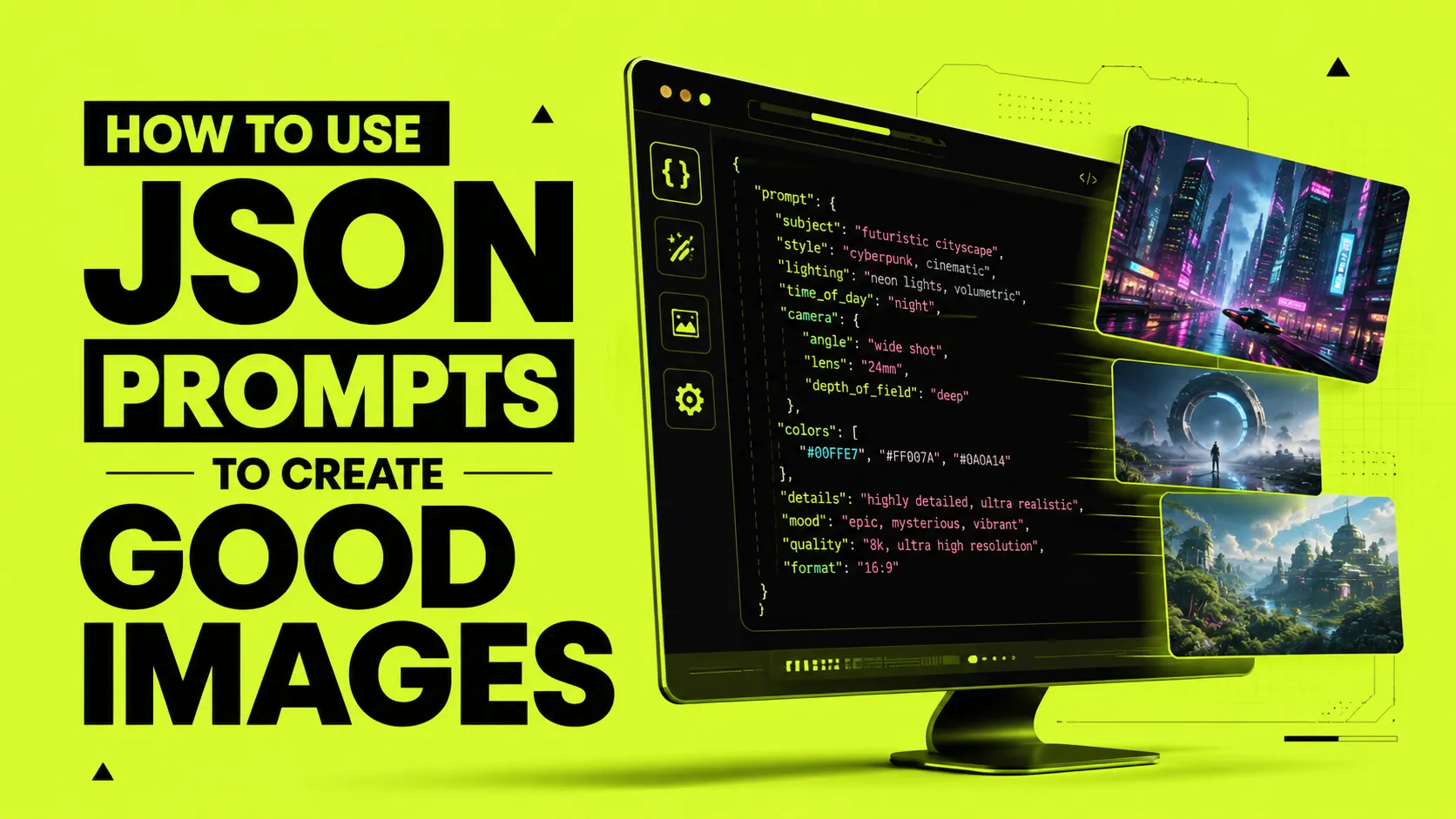
In traditional AI image generation (e.g., Midjourney, Stable Diffusion), users write prompts as continuous descriptive text. While this works well for simple concepts, complex images with multiple objects, precise color arrangements, or strict layout requirements often break down. The AI model gets confused by word hierarchy, resulting in leaked features or missing elements.
By shifting to a JSON-structured prompt architecture, prompt engineers can modularize key elements—separating subject details, environmental features, camera settings, and lighting. LLMs like ChatGPT or Claude can parse and translate this structured format into highly focused, highly descriptive linear prompts with perfect clarity.
Why JSON Structuring Works Better
JSON prompts establish clear relationships between attributes. In standard natural language prompts, adding the adjective "red" before "jacket" might leak and color the background, shoes, or hair red as well. With JSON, you assign attributes to specific keys, creating a modular structure:
{
  "subject": {
    "type": "woman",
    "attire": "futuristic tailored leather suit",
    "hair": "sleek neon blue bob"
  },
  "environment": {
    "location": "cyberpunk alleyway",
    "weather": "rainy night",
    "background_elements": ["neon signs", "steaming vents"]
  },
  "cinematography": {
    "shot_type": "medium close-up",
    "camera": "Hasselblad 100c",
    "lens": "85mm"
  },
  "lighting": {
    "key_light": "pink neon glow from left",
    "ambient": "dark cinematic shadows"
  }
}
How to Translate JSON into a Good AI Image
Once you structure your target concept in JSON, you can feed it directly to an LLM with a system instructions block like:
"Translate the following JSON configuration into a single, cohesive, descriptive visual prompt for Midjourney v6. Use clean, comma-separated descriptive terms. Do not include introductory text."
The resulting output is compiled with maximum efficiency:
A medium close-up photo of a woman wearing a futuristic tailored leather suit with a sleek neon blue bob haircut, standing in a rainy cyberpunk alleyway at night, surrounded by glowing neon signs and steaming vents, captured on a Hasselblad 100c with an 85mm lens, lit by a pink neon key light from the left, dark cinematic shadows. --ar 16:9 --style raw
Key Best Practices
- Avoid redundancy: Keep your JSON values concise and strictly relevant to that key. Do not describe the background under the subject block.
- Use specific models: JSON prompt compilers work best when they target professional visual parameters (like lens focal lengths, film types, and precise color palettes).
- Leverage Aspect Ratios: Always specify the aspect ratio parameter (e.g.
--ar 16:9) to match your composition layout (cinematic wide vs portrait).
Structured prompting allows designers and developers to scale their image creation workflow, ensuring consistency across hundreds of generated images.