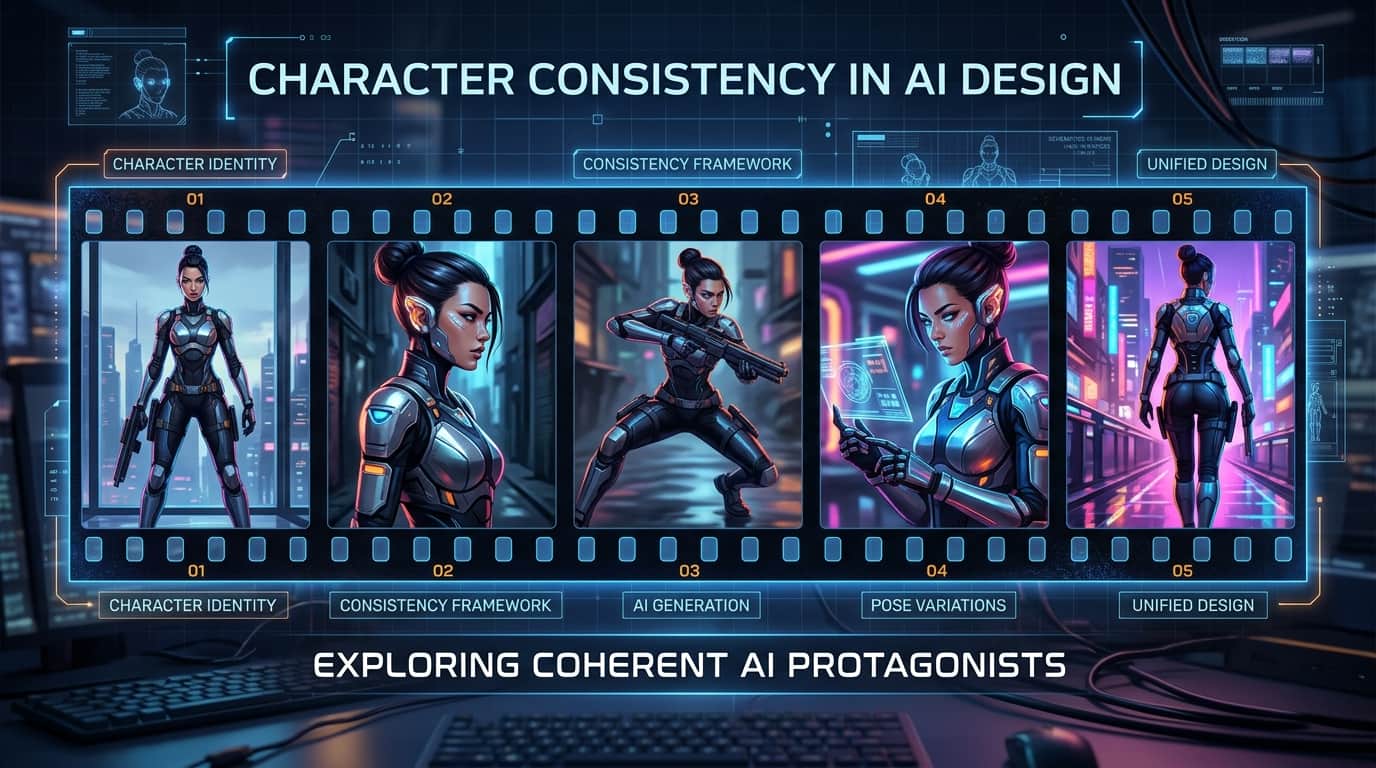
The single biggest hurdle for AI artists, children's book creators, and graphic novelists has always been character consistency. Generating a stunning character once in AI is easy; generating that exact same character across 20 different storybook pages used to feel nearly impossible.
With Midjourney v6's native --cref (Character Reference) feature, locking in a character's face, hair, and clothing across multiple scenes is now simple, fast, and reliable.
Below is a complete beginner-to-pro guide with 6 copy-paste prompts and parameter tricks to create your own consistent AI story characters.
1. The 3-Step Character Reference Workflow
- Step 1 (Generate Master Character): Prompt Midjourney to create your primary character on a plain studio background. Upscale your favorite version.
- Step 2 (Copy Direct Image URL): Open the upscaled image in Discord, right-click, and select "Copy Link" (`https://cdn.midjourney.com/...`).
- Step 3 (Apply `--cref` Tag): In your new scene prompt, append
--cref [YOUR_IMAGE_URL]at the end. Midjourney will lock the character's facial features into the new scene!
2. Master Character Reference Prompts
Prompt #1: Generating the Master Character Sheet
Generate a clean front-and-side view character sheet to use as your master reference image.
Prompt #2: Placing the Character in a New Action Scene (`--cw 100`)
Locks the face, hair, AND green hoodie into a dramatic new setting.
Prompt #3: Changing Outfit / Clothing (`--cw 0`)
Want your character to wear a spacesuit or pajamas while keeping their exact face and hair? Set --cw 0 (Character Weight Zero).
Prompt #4: Changing Expressions (Surprised, Sad, Laughing)
Keep the character consistent while generating distinct emotional beats for storybooks.
Prompt #5: Dual Character Reference Formula
Need TWO recurring characters in the same image? You can pass multiple URLs into `--cref` separated by spaces!
Prompt #6: Comic Book / Storybook Grid Layout
Renders a 4-panel storyboard featuring your consistent character.
Midjourney Parameter Cheat Sheet
| Parameter | Value Range | What It Controls |
|---|---|---|
--cref URL |
Direct image link | Locks character face, hair, and body shape. |
--cw 100 |
100 (Default) | Copies face + hair + exact clothes. |
--cw 0 |
0 | Copies ONLY face and hair (allows outfit changes). |
--sref URL |
Direct image link | Locks lighting, color palette, and art style. |
Summary Checklist for Consistent AI Storytelling
- Use plain studio backgrounds for Master Sheets: Complex backgrounds confuse Midjourney when extracting character features.
- Combine `--cref` and `--sref`: Use `--cref` for the character and `--sref` for artistic style consistency across an entire book project.