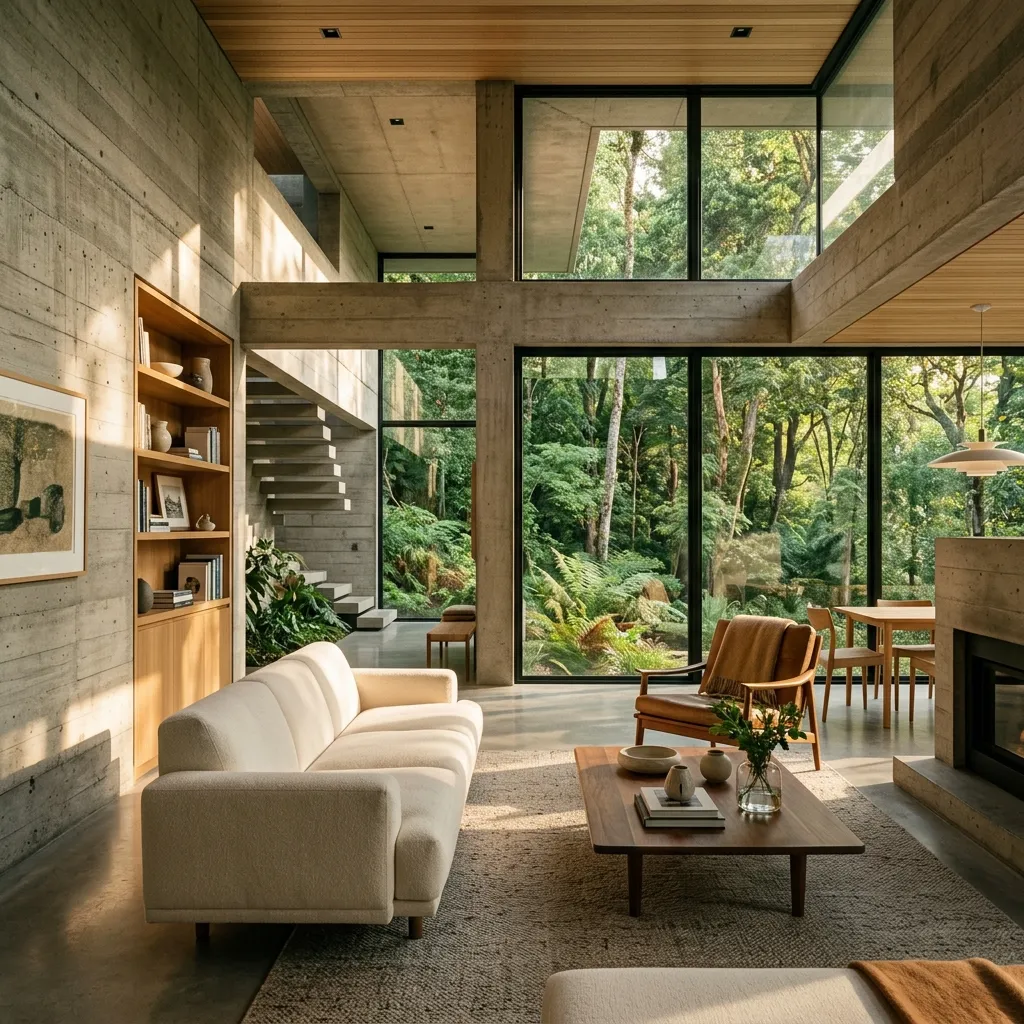
Stable Diffusion XL (SDXL) has revolutionized open-source AI image generation. For architects, interior designers, and 3D visualizers, it serves as a powerful sandboxing tool capable of producing hyper-realistic space renders in minutes, completely free of charge.
However, getting SDXL to properly output correct wall structures, proportional furniture, and consistent lighting requires specific prompt setups and positive/negative balance workflows. In this article, we share the top three workflows to generate gorgeous interior and exterior design concepts.
1. The Cozy Minimalist Interior Workflow
This workflow is designed to generate realistic, warm, and inviting residential spaces. It focuses on rendering soft natural textures like wood, linen, and stone with realistic afternoon sunlight filtering through windows.
2. The Brutalist/Modern Concrete Villa Workflow
If you're looking for dramatic scale, concrete, glass, and lush nature, this workflow is ideal. It places high importance on structural rigidity and the contrast between gray building materials and green forest backdrops.
💡 Cozy Minimalist Interior:
"A premium architectural photo of a cozy minimalist living room, warm oak furniture, beige linen sofa, warm sunlight streaming in from large windows, cozy houseplants, depth of field, architectural digest photography style"

💡 Brutalist Concrete Villa:
"An architectural wide shot of a modern brutalist concrete villa, large glass panels, lush pine forest backdrop, foggy morning light, raw concrete texture, photorealistic, architectural rendering"

💡 High-End Modern Kitchen:
"A high-end luxury kitchen design, black marble countertops, brass hardware, dark matte cabinets, dramatic under-cabinet LED strip lighting, shot on 24mm lens, photorealistic, professional kitchen portfolio"
3. The High-End Luxury Kitchen Workflow
Focusing on luxury materials (marble, polished metals, matte cabinet coatings), this workflow helps render ultra-premium surfaces, reflections, and artificial light sources like LED strip lights and pendant light fixtures.
Best Practices for SDXL Architecture Renders
When working with SDXL, keep these key rules in mind:
- Always use dynamic aspect ratios: Architecture looks best in wide aspect ratios (like 16:9 or 3:2).
- Use negative prompts: Always add negative prompt terms like "deformed, out of perspective, low quality, cartoon, noise, artifacts" to keep the walls straight and structural lines parallel.
- Incorporate real design styles: Use terms like "Architectural Digest style" or "Dwell magazine style" to guide the aesthetic composition.
Conclusion
By leveraging these three workflows, you can harness Stable Diffusion XL to quickly mock up spatial designs, experiment with material layouts, and create beautiful, inspiring client presentations.