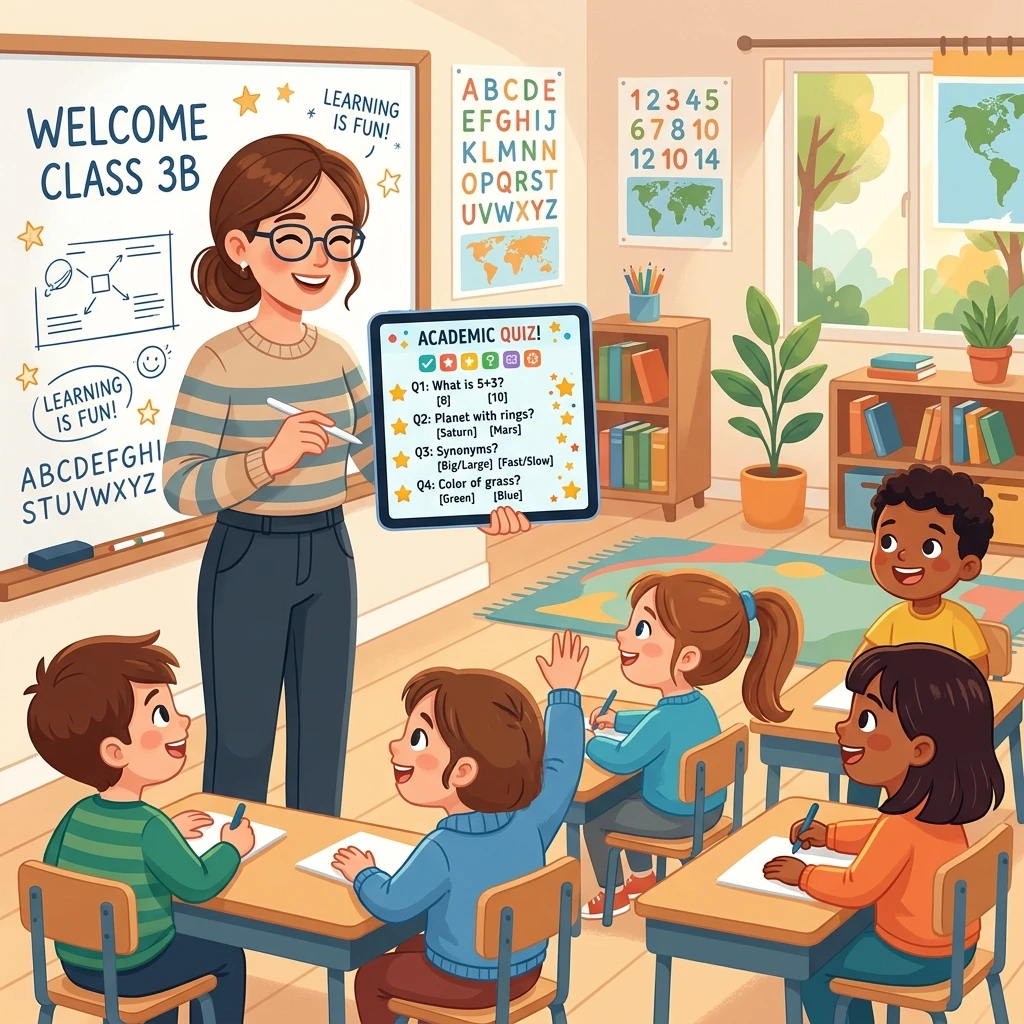
Teachers are real-life superheroes, but let's be honest—lesson planning and grading can take up a ton of time. By the end of the school week, staring at a blank document trying to write yet another reading quiz or vocabulary match-game can feel exhausting.
Enter ChatGPT! Think of it as a helpful teaching assistant that sits on your desk, ready to brainstorm instantly. You can use it to draft customized homework sheets, build engaging quizzes, and create fun learning games in less time than it takes to pour a cup of coffee. Here is a simple, stress-free guide to getting started!
1. Make Custom Reading Quizzes Instantly
Want to check if your students understood a story or chapter? You don't have to write the quiz questions by hand. Just copy the text (or write the title of a famous children's book) and ask ChatGPT to generate the quiz for you.
Act as an experienced elementary school teacher. Create a 5-question reading comprehension quiz based on the story of 'Charlotte's Web'. Include a mix of multiple-choice and short-answer questions. At the very bottom, include an answer key for me.
2. Create Fun Classroom Games
Classroom games are a perfect way to break up a long school day and keep kids excited. You can ask ChatGPT to generate trivia games, word scrambles, or riddle sheets customized for your grade level.
Generate a list of 10 fun science riddles for [mention grade level, e.g., 3rd-grade students] about animals and ecosystems. Make the riddles playful and easy, and write the answers in parentheses next to each riddle.
3. Match the Goal to the AI Tool
Different tasks call for different prompting styles. Use this quick guide to save time during your planning period:
| What You Need | Best ChatGPT Prompt Prefix | Setup Time |
|---|---|---|
| Vocabulary Matching Worksheet | "Create a matching worksheet with 10 words and definitions about weather." | 2 minutes |
| Interactive Group Discussion Questions | "Write 5 thought-provoking icebreaker questions for middle schoolers." | 1 minute |
| Custom Math Story Problems | "Generate 5 division word problems using a superhero theme." | 2 minutes |
4. Crucial Tips for Busy Teachers
To get the absolute best outcomes and keep your materials accurate:
- Always proofread the outputs: AI is smart, but it doesn't know your specific curriculum or classroom rules. Make sure the difficulty matches your students' level before printing.
- Inject your students' names or mascot: Ask the AI to write a math worksheet using your school's mascot or your students' names. They will love the personal touch, and it keeps them highly engaged!
- Ask for formatting: If you want to copy it directly into a Word document or Google Doc, say: "Format this as a clean, ready-to-print worksheet with blank spaces for 'Name' and 'Date'."
Conclusion
Using AI in the classroom isn't about letting a computer do the teaching. It's about letting a smart tool handle the repetitive drafting work, so you can spend less time typing behind a computer and more time doing what you love—connecting with and inspiring your students!