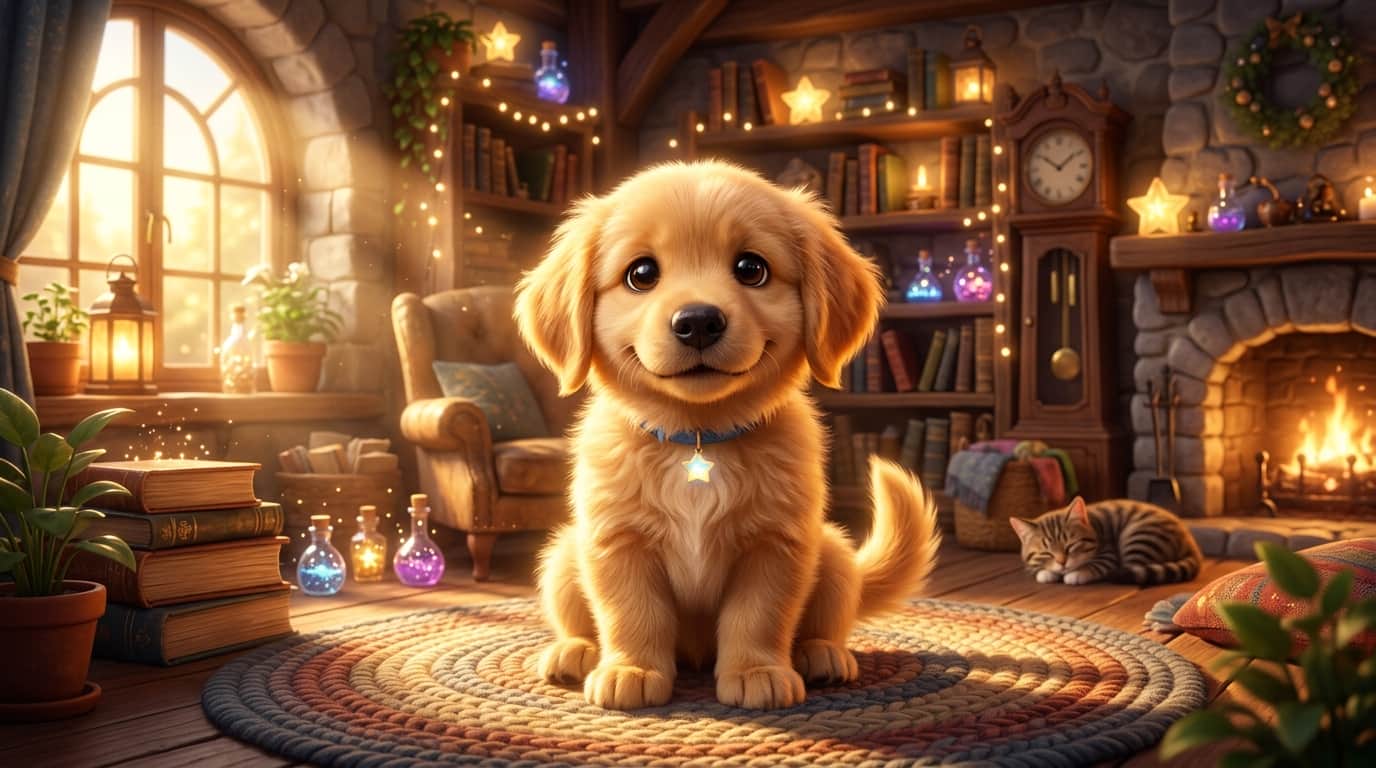
Have you ever looked at your pet and wondered what they would look like as the hero of a blockbuster 3D animated movie? From big expressive glossy eyes to fluffy 3D fur textures, the Disney and Pixar art style holds a special place in everyone's heart.
Ordering custom hand-painted pet portraits from traditional artists can cost anywhere from $100 to $400. Today, using Midjourney or ChatGPT (DALL-E 3), you can transform your real pet's photograph into a movie-poster-worthy 3D character render in less than two minutes!
In this simple step-by-step tutorial, you'll learn how to feed your pet's photo into AI tools and access 5 copy-paste prompts for different animation styles.
1. The Secret 3-Step Image-to-Image Formula
To ensure the AI captures your pet's actual fur pattern, eye color, and face shape instead of generating a random dog or cat, follow this 3-step workflow:
- Step 1 (Upload Photo): Upload a clear, bright photo of your pet to Discord or ChatGPT. Copy the direct image link (`https://...`).
- Step 2 (Set Image Weight): In Midjourney, paste the image URL at the start of your prompt and set the image weight parameter to
--iw 1.5or--iw 2.0. This tells the AI to stay very faithful to your pet's original appearance. - Step 3 (Add Style Keywords): Describe your pet's breed, fur color, and include key rendering terms like "3D Pixar animated movie character, Octane render 3D, glossy eyes, warm cinematic lighting".
2. 5 Copy-Paste Pet Art Style Prompts
Prompt #1: The Classic 3D Pixar Movie Hero
Renders your pet in the classic, charming 3D animated feature film style with big expressive eyes and soft lighting.
Prompt #2: Royal King/Queen Historical Pet Portrait
Puts your pet in a funny, majestic royal uniform with a golden crown and velvet cape.
Prompt #3: Cozy Storybook Watercolor Pet
Creates a soft, cozy hand-painted watercolor illustration perfect for nursery prints or bedtime stories.
Prompt #4: Superhero Action Movie Poster
Turns your dog or cat into an epic superhero wearing a tiny suit with dramatic cinematic lighting!
Prompt #5: Chibi Anime Avatar for Social Media
Generates an ultra-cute, big-headed cartoon avatar ideal for Instagram or TikTok profile pictures.
Pet Art Style Comparison Matrix
| Art Style | Best Use Case | Recommended Aspect Ratio |
|---|---|---|
| 3D Pixar Character | Desktop wallpapers, Canvas prints, Gifts | --ar 16:9 or --ar 4:3 |
| Royal Historical Portrait | Framed living room wall decor | --ar 3:4 or --ar 2:3 |
| Chibi Cartoon Avatar | Social media profile pics, Mugs, Stickers | --ar 1:1 |
Summary Checklist for Perfect AI Pet Artwork
- Use clear lighting: Avoid blurry photos taken in dark rooms. Close-up photos facing natural sunlight produce the most accurate facial features.
- Boost fur details: Include words like "hyper-detailed soft fur texture" and "glossy expressive eyes" in every prompt.
- Print your favorites: Upscale your image using free tools like Upscayl to 3000px before ordering canvas prints or mug prints!