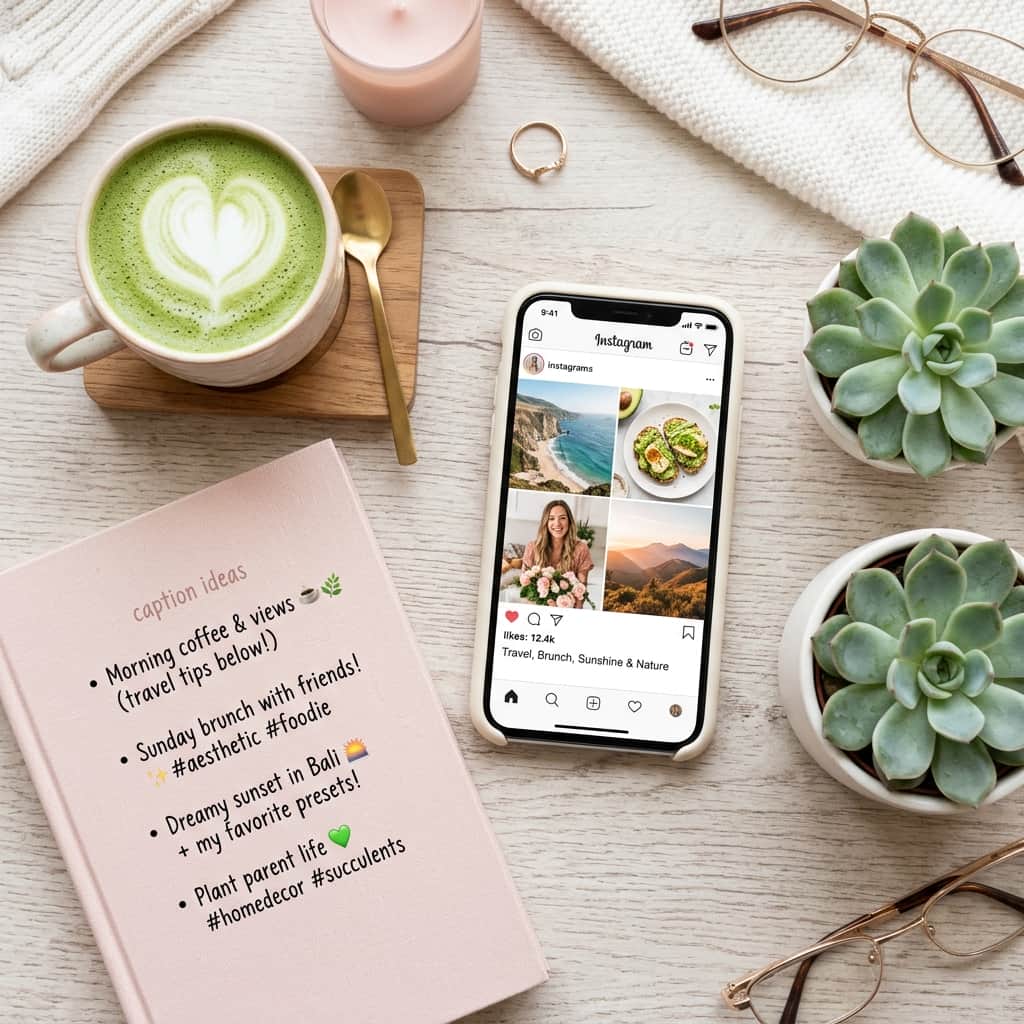
You just took the perfect photo. The lighting is gorgeous, the composition is on point, and you're ready to post. But then you open the caption field and… nothing. Your mind goes blank. You spend 20 minutes staring at the cursor, type something generic like "Good vibes only ✨", and hit post with a feeling of defeat.
Sound familiar? You're not alone. Writing engaging social media captions is a genuine skill, and most people struggle with it. Fortunately, ChatGPT can be your secret ghostwriter. In this guide, we'll share exact prompt templates that generate scroll-stopping captions for Instagram, punchy hooks for Twitter/X, and professional-sounding LinkedIn posts.
1. The Instagram Caption Formula
A great Instagram caption follows a simple structure: Hook → Story → Call-to-Action (CTA). The first line must stop the scroll, the body creates connection, and the CTA drives engagement.
Act as a social media strategist with 10 years of experience growing Instagram accounts.

I'm posting a photo of [describe your photo: e.g., "a cozy coffee shop corner with fairy lights and a latte"].
My account niche is [e.g., "lifestyle and cozy aesthetics"].
My audience is [e.g., "women aged 20-35 who love minimalist living"].

Write 3 Instagram caption options:
- Option 1: Short & Punchy (under 50 words, with emojis)
- Option 2: Storytelling (a mini personal story, 80-120 words)
- Option 3: Engagement Driver (asks a question to spark comments)

Include 15 relevant hashtags at the end of each option.
Avoid sounding robotic or overly salesy.
2. The Twitter/X Hook Generator
On Twitter, you have roughly 1.5 seconds to capture someone's attention before they scroll past. The first line (the "hook") determines whether people click "Show more" or keep scrolling.
Write 10 Twitter/X hook variations for the following topic: "[Your topic]".

Rules:
- Each hook must be under 280 characters.
- Use curiosity gaps (make people want to read more).
- Mix styles: bold statements, controversial takes, "how I did X" stories, listicles.
- Avoid clickbait that doesn't deliver.
- Add a thread emoji (🧵) to hooks meant for long threads.
3. Platform Comparison: Tone & Style
Each platform demands a different writing voice. Use this table to calibrate your ChatGPT prompts:
| Platform | Ideal Tone | ChatGPT Instruction |
|---|---|---|
| Warm, personal, visual storytelling with emojis. | "Write in a friendly, relatable tone. Use emojis sparingly. Include a question." | |
| Twitter/X | Sharp, witty, bold, and concise. | "Write punchy, opinionated takes. No fluff. Every word must earn its place." |
| Professional but human, value-driven. | "Write a professional insight post. Start with a bold personal lesson. End with a takeaway." |
4. Pro Tips for Social Media AI Captions
- Batch Create: Generate a whole week's worth of captions in one session. Ask: "Create 7 Instagram captions for a fitness account, one for each day of the week."
- Match Your Voice: Paste 3 of your own past captions and say: "Analyze my writing style and write 5 new captions that match my voice."
- A/B Test: Generate 2 versions of the same caption and see which gets more engagement.
Conclusion
Writer's block shouldn't hold your content back. With the right ChatGPT prompts, you can generate authentic, engaging captions for any platform in seconds. The key is to always edit the output to add your personal touch — AI gives you the structure, but your personality makes it real. Start prompting and watch your engagement grow!