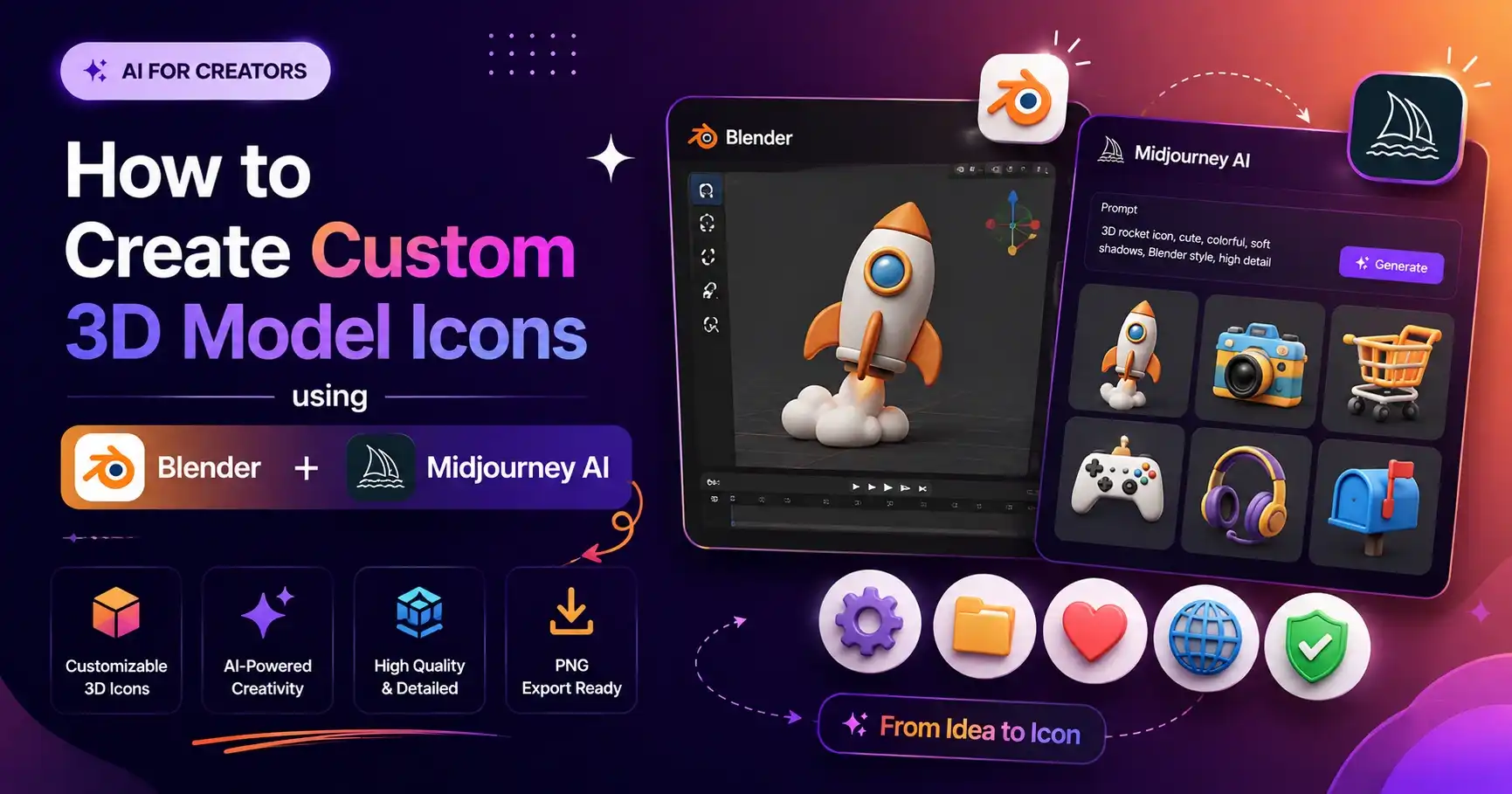
Creating custom 3D model icon graphics used to require extensive experience in 3D software like Blender, Cinema 4D, or Maya. Designers spent hours tweaking bevel modifiers, soft studio lighting rigs, and procedural shaders to produce a single clean asset.
Today, generative AI has revolutionized 3D design workflows. By combining Midjourney prompt formulas with fast background removal, designers can create cohesive 3D icon sets in minutes instead of days.

1. Traditional 3D Rendering in Blender vs. AI Prompt Generation
| Workflow Parameter | Blender 3D Modeling | Midjourney AI Prompting |
|---|---|---|
| Production Speed | 2 - 5 Hours per icon | 30 Seconds per icon |
| Skill Requirement | High (Shaders, Geometry, Mesh Topology) | Low (Copy-Paste Text Prompts) |
| Asset Iteration | Manual mesh modification | Instant text-prompt style variations |
🎨 Explore Free 3D Icons & Copy Prompts
Access dozens of pre-made transparent 3D icons & Midjourney prompts ready to copy and paste.
Go to 3D Icons Library2. Copy-Paste 3D Icon Prompts
A. 3D Location Map Pin Icon Prompt
Create a premium soft rounded 3D icon render of Location Map Pin. Style: clean modern mobile UI 3D illustration, cute semi-realistic proportions, simplified geometry, smooth bevels, glossy soft materials, subtle texture detail, soft ambient studio lighting, gentle reflections, light ambient occlusion, and a polished collectible look. Camera angle should be isometric / three-quarter top view, slightly from above. Keep the object centered, isolated, and clearly readable. Transparent PNG output with true alpha channel.
B. 3D Chat Bubble Icon Prompt
Create a premium soft rounded 3D icon render of WhatsApp Chat Bubble. Style: clean modern mobile UI 3D illustration, cute semi-realistic proportions, simplified geometry, smooth bevels, glossy soft green materials, subtle texture detail, soft ambient studio lighting, gentle reflections, light ambient occlusion, and a polished collectible look. Camera angle should be isometric / three-quarter top view. Transparent PNG output.
3. Related Guides & Tutorials
- Where to Find Free 3D Icons (PNG & Transparent Assets)
- Free 3D Social Media Icons Pack: YouTube, Instagram & WhatsApp
4. Frequently Asked Questions (FAQ)
Q: Can AI replace 3D modeling programs like Blender entirely?
For static UI/UX icons and web graphics, AI prompting is faster. However, Blender remains necessary for custom 3D web animations and complex 3D meshes.
Q: How do I export transparent PNG assets?
Use tools like Remove.bg, Adobe Express, or Photoshop Select Subject to create crisp alpha-channel PNG cutouts.
Get Instant Access to Free 3D Icons
Explore hundreds of high-resolution 3D icon renders & copy-paste prompts on our main library page.
Visit 3D Icons Master Library