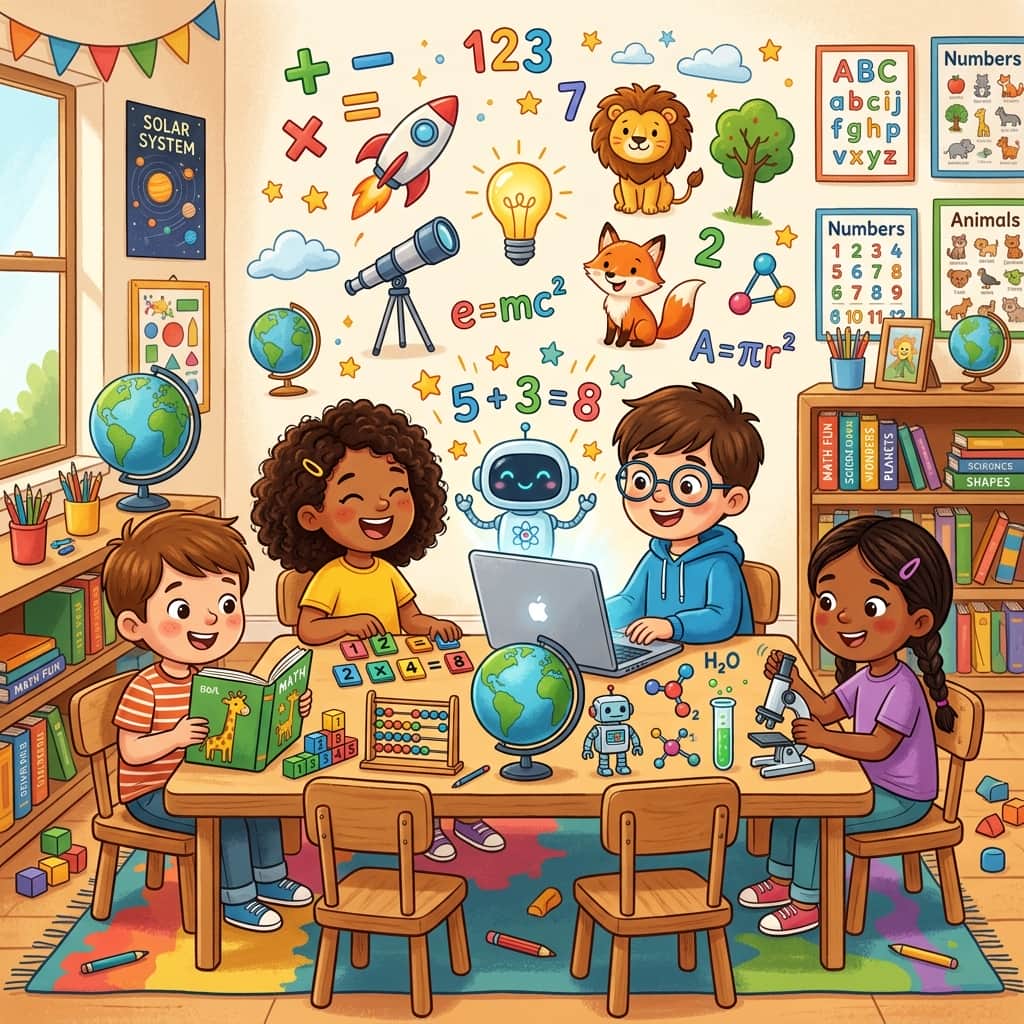
Ask any parent or teacher about the daily homework routine, and you’ll likely hear a collective sigh. Getting children focused on math worksheets, reading assignments, or spelling vocabulary can feel like an uphill battle. Standard school worksheets are often visually dry—printed in grey tones with tiny, generic clip art that has been photocopied a thousand times since the late 1990s. It’s no surprise that kids zone out. Research in child development consistently shows that visual learning aids can boost information retention by up to 65%. But how do you create custom, high-quality educational visuals without spending hours designing them or paying for expensive vector sets?
The answer lies in generative AI. By using tools like Midjourney, Bing Image Creator, or DALL-E 3, parents and educators can instantly generate tailored math worksheets, high-contrast vocabulary flashcards, and scientific diagrams customized to a child’s specific interests. Whether your child is obsessed with dinosaurs, space exploration, unicorns, or underwater sea life, you can adapt their homework to match. In this masterclass guide, we will break down the exact formulas, templates, and printing strategies to transform standard homework sheets into engaging, beautiful learning aids.
If you're brand new to prompting, we highly recommend checking out our simple 3-Step Formula to Write Your First Image Prompt to understand the basics of formatting before moving on to the advanced math and science layout systems below.
1. The Science of Interest-Led Learning
Why go through the effort of generating custom graphics for kids? Psychologists call this "interest-led instruction." When a child is struggling with basic arithmetic, like adding numbers together, they aren't just battling the math—they are battling cognitive fatigue and disinterest. If the worksheet features 5 boring boxes, the child sees it as labor. But if you replace those boxes with high-resolution illustrations of astronauts, rocket ships, or cute kittens, the brain releases a small amount of dopamine, lowering the barrier to entry.
By using AI, we can custom-build sheets that blend math questions with drawings they can color in. (For tips on how to prepare full-page black-and-white drawings, check out our guide on Creating Custom Printable Coloring Pages for Kids). You can even print their customized art projects out to decorate their study space. For inspiration on designing custom bedroom layouts, see our walkthrough on Creating Personalized Wall Art for Kids' Bedrooms Using AI.
2. How to Prompt for Visual Math Worksheets
Creating math assets requires clean layouts. If your AI generation has busy shading, complex textures, or messy backgrounds, children won't be able to count the objects, and the page will look messy when printed on a home printer. The goal is to prompt for flat vectors, clean white backgrounds, and thick lines.
Let's look at three formulas for math graphics:
A. The Counting Grid (For Toddlers and Preschoolers)
For kids learning to count, you need distinct, easily identifiable items separated by clean spacing. Use words like isolated elements, white background, flat vector illustration to keep the output print-friendly.
/imagine prompt: A collection of 6 cute baby triceratops dinosaurs, different poses, simple flat vector icon style, bold outlines, vibrant colors, isolated on a solid clean white background, educational clip art --style raw --ar 4:3
Pro-Tip: Midjourney can sometimes struggle with exact counting. If you ask for "6 dinosaurs," it might give you 5 or 7. To bypass this, write the prompt in singular: "A cute baby triceratops dinosaur, flat vector style, white background", generate 3 or 4 versions, and compile them into a grid using Google Docs or Canva. This ensures absolute mathematical accuracy for worksheets.
B. Visual Fractions and Shapes
Explaining fractions (halves, quarters, eighths) is much easier with food graphics. Pizzas, pies, and watermelons work wonderfully because they are naturally round and easy to section off.
Pizza Fraction Prompt:
/imagine prompt: A top-down flat vector view of a cartoon pizza cut into exactly 4 equal slices, with one slice pulled slightly away, clean black outlines, simple colors, isolated on a solid white background --v 6.0
3. Creating Custom Educational Flashcards
Flashcards are the cornerstone of memorization, useful for learning alphabet letters, animal names, chemical elements, or historical figures. To make flashcards at home, your image needs to have a clear center focus, recognizable silhouettes, and high visual contrast.
| Card Type | Prompt Formula | Ideal Aesthetics |
|---|---|---|
| Alphabet Flashcard | [Subject] + isolated illustration, cute cartoon sticker design, bold outlines, white background |
High contrast, friendly, single bold object (e.g., "A cute astronaut floating in space"). |
| Science & Anatomy | [Scientific Organism] + cross-section diagram, simple labels, flat vector, school textbook style |
Clean cutaway, high color differences to separate parts (e.g., cell wall vs. nucleus). |
| Historical Figures | [Figure Name] + stylized portrait, watercolor caricature style, soft textured background |
Recognizable features, historic clothing, friendly non-scary expression (e.g., Galileo). |
To design an entire deck of alphabet cards, keep your style term consistent. For example, if you use "sticker style, thick white border, bold outline" for card A (Apple), use the exact same style tag for card B (Banana) and card C (Cat). This gives your flashcard deck a cohesive, professional feel.
Once you print the cards, you can pair them with storytelling to reinforce the letters. Read our comprehensive tutorial on Generating Personalized Storybook Illustrations for Bedtime Stories to see how to extend these flashcard characters into full narrative journeys.
4. Science Homework Diagrams & Cross-Sections
Explaining abstract science topics—like how layers of the Earth are structured, how photosynthesis works, or the stages of the water cycle—is notoriously difficult with text alone. With AI, you can generate clear cross-sections that make these invisible processes visible to a child.
When prompting for diagrams, use terms that encourage the AI to show a "cut-out" view, like cross-section, cutaway view, anatomical study. Here is a proven recipe for a geology diagram:
/imagine prompt: A clean educational cross-section diagram showing the layers of the Earth: Crust, Mantle, Outer Core, Inner Core. Each layer colored differently, simple vector style, flat design, clean white background, educational school textbook illustration --style raw --v 6.0
This generates a clear, labeled or unlabeled diagram. You can print the unlabeled version and have your child write the names of the layers in the correct spaces as a fun study test.
5. Complete Prompt Catalog for Kids' Educational Visuals
Here is a library of copy-paste prompts covering multiple subjects. Copy these directly into Midjourney or Bing Image Creator to generate your custom printable homework assets.
Math: Addition & Subtraction (Animal counting groups)
/imagine prompt: A flat vector sheet showing 3 cute little brown puppies on the left and 2 cute little grey puppies on the right, clear separation, simple cartoon illustration, bold outlines, solid white background --ar 4:3
Biology: Leaf Photosynthesis Diagram
/imagine prompt: A simple diagram of a green leaf showing photosynthesis, arrows pointing to indicate sunlight, carbon dioxide, and oxygen, clean graphic icon style, school science project illustration, isolated on white --style raw
History: Ancient Egyptian Pyramid Cutaway
/imagine prompt: A cutaway cross-section of an Egyptian pyramid showing the inner chambers, pharaoh's tomb, narrow tunnels, simple lines, colored pencil drawing style, cream paper background --ar 3:2
Astronomy: Solar System Map (For coloring)
/imagine prompt: A simple black and white line art map of the solar system showing the Sun and planets, outlines only, no shading, clean white background, kids coloring page style --style raw
Chemistry: Simple Atom Model (Protons, Neutrons, Electrons)
/imagine prompt: A flat graphic diagram of a helium atom, showing colored spheres representing protons, neutrons, and electrons, clean orbits, minimalist vector design, isolated on white --ar 1:1
6. Workflow: Printing, Assembling, and Formatting
Generating the image is only the first step. To make these resources usable, you need to format and print them correctly. Follow this simple parenting workflow:
- Scale the Image: Standard AI generators output images at medium resolutions. Before printing, use a free online upscaler (like Upscayl or BigJPG) to double the size. This prevents pixelation and keeps outlines crisp.
- Compile in a Word Document or Canva: Create a standard US Letter or A4 document. Place your generated images into the page. Add text boxes for the child's name, the date, and simple instructions (e.g., "Count the dinosaurs and write the number in the box below!").
- Print Settings: Set your home printer to "High Quality" or "Photo Paper" print settings, even if you are printing on standard copy paper. This forces the printer to output rich colors and sharp lines, making the drawings easier to read.
- Laminate for Reusability: If you are making flashcards or practice math sheets, run them through a cheap home laminator. Your child can then use dry-erase markers to write their answers, wipe them off, and practice again tomorrow without wasting paper.
To browse more creative ways to design printable items and assets at home, explore our growing archive of tutorials on our official AI Art Blog & Archives, where we cover everything from sticker printing to greeting card designs.
Conclusion: Learning Should Be Fun
At the end of the day, education is about curiosity. When we present children with visually stimulating, interest-tailored learning aids, we aren't just helping them finish their homework faster—we are building positive associations with learning. AI art tools put the power of professional design directly into the hands of parents and teachers. By investing a few minutes into prompting custom counting grids, science cutaways, or math templates, you can turn a chore into an exciting, personalized visual project. Happy teaching!